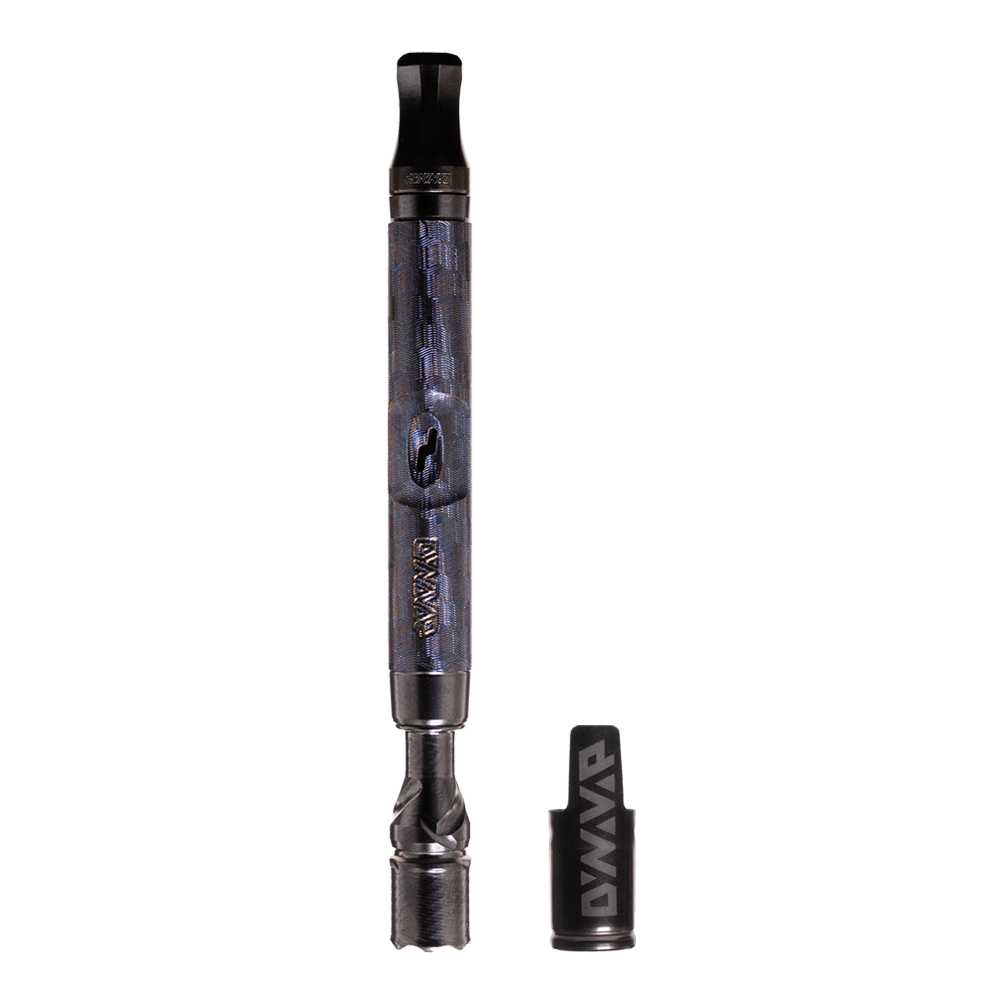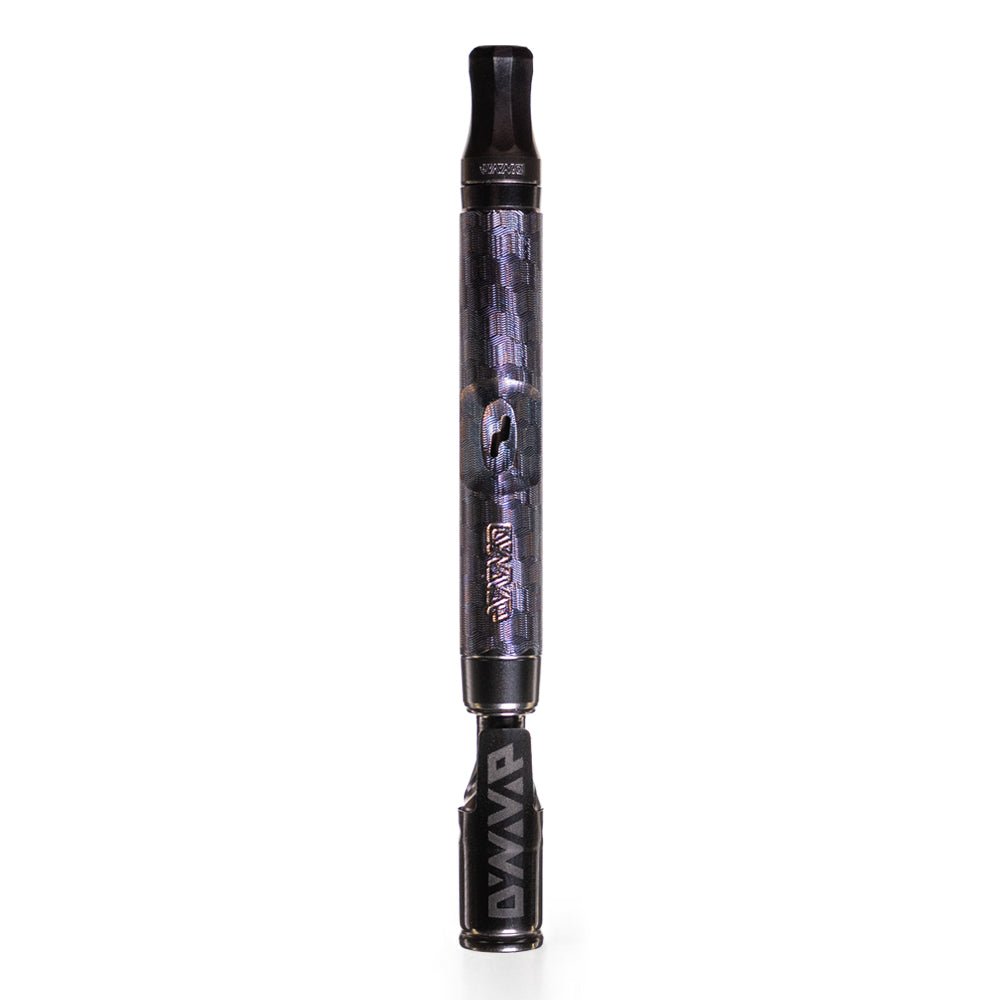


DynaVap cool down click heard and now you’re staring at your VapCap like, “Alright… what’s the move?” That second click is your device telling you that the Heat Cycle has reset. No media screens, no numbers, no guessing. Just a simple signal you can trust so you keep your session tasty instead of turning your bowl into toast.
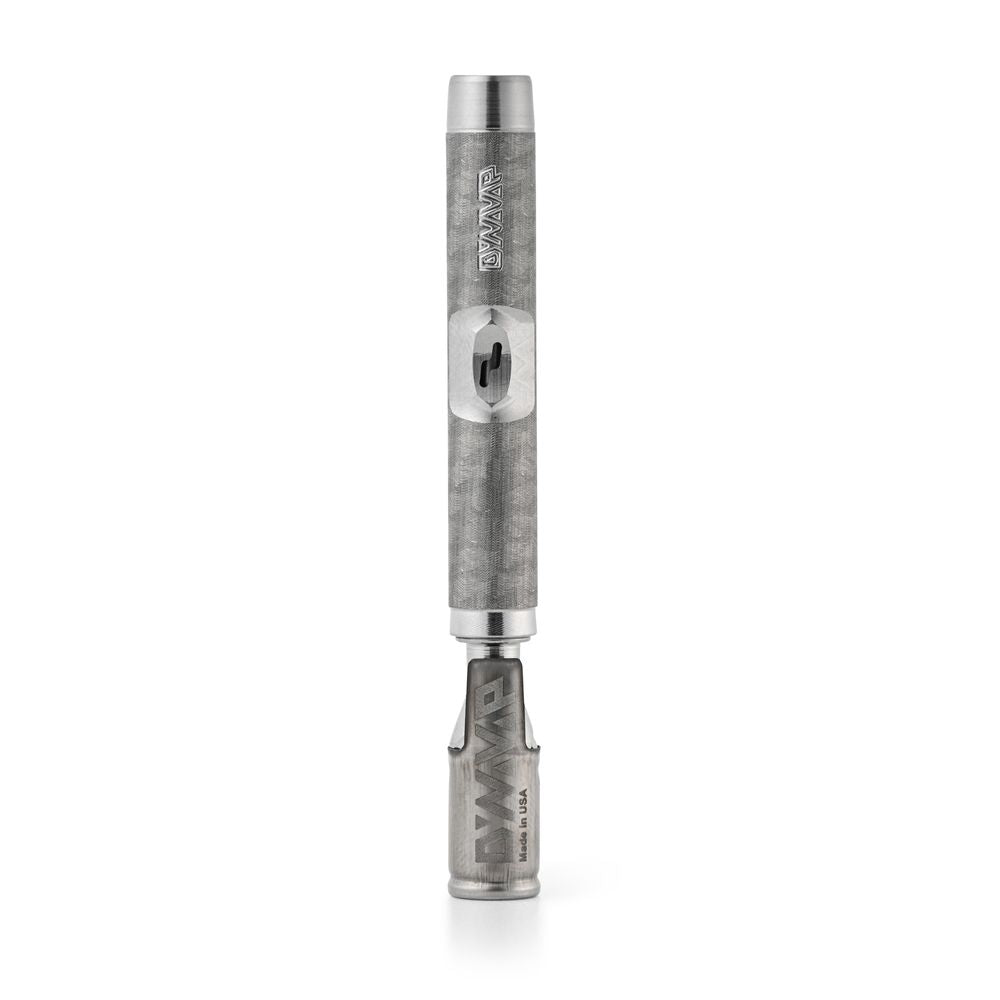
If you’re new to battery-free dry herb vaporizers, think of a DynaVap device as an analog device (Thermal Extraction Device, or TED) with manners. The Cap clicks when you’re at an optimal vaporizing temperature. The Cap also clicks again when it has cooled enough to safely heat the Cap back up. Once you start listening for that rhythm, everything gets smoother.
What the DynaVap cool down click actually means (in plain language)
Inside the Cap are metal discs that react to temperature. When you heat up the Cap, they snap and you hear the click that says, “You’re in range.” After you stop heating and enjoy a pull, the Cap starts cooling and the discs snap back, which is called the Cooldown Click. That second click is your reset signal.
Here’s the part I want you to remember: the DynaVap cool down click is what keeps you from stacking heat too soon. Heating again before the Cooldown Click is one of the fastest ways to overshoot into scorched flavor or outright combustion, and it can be rough on the Cap and Tip over time.
If you like having the official reference handy, our support team put together DynaVap’s Cap click and cooldown guide. It’s like a user manual for what the Cap is trying to tell you.
After the DynaVap cool down click: three good choices
Once that Cooldown Click hits, you’ve got options. No pressure to rush. Your next step depends on what you want out of the bowl: more flavor, more extraction, or simply being done.
- Reheat for another cycle if you’re still getting satisfying vapor.
- Reload for another session if you want to go another round.
- Wrap the session if you’re finished or the bowl is spent.
Option 1: Reheat after the DynaVap cool down click (the steady rhythm)
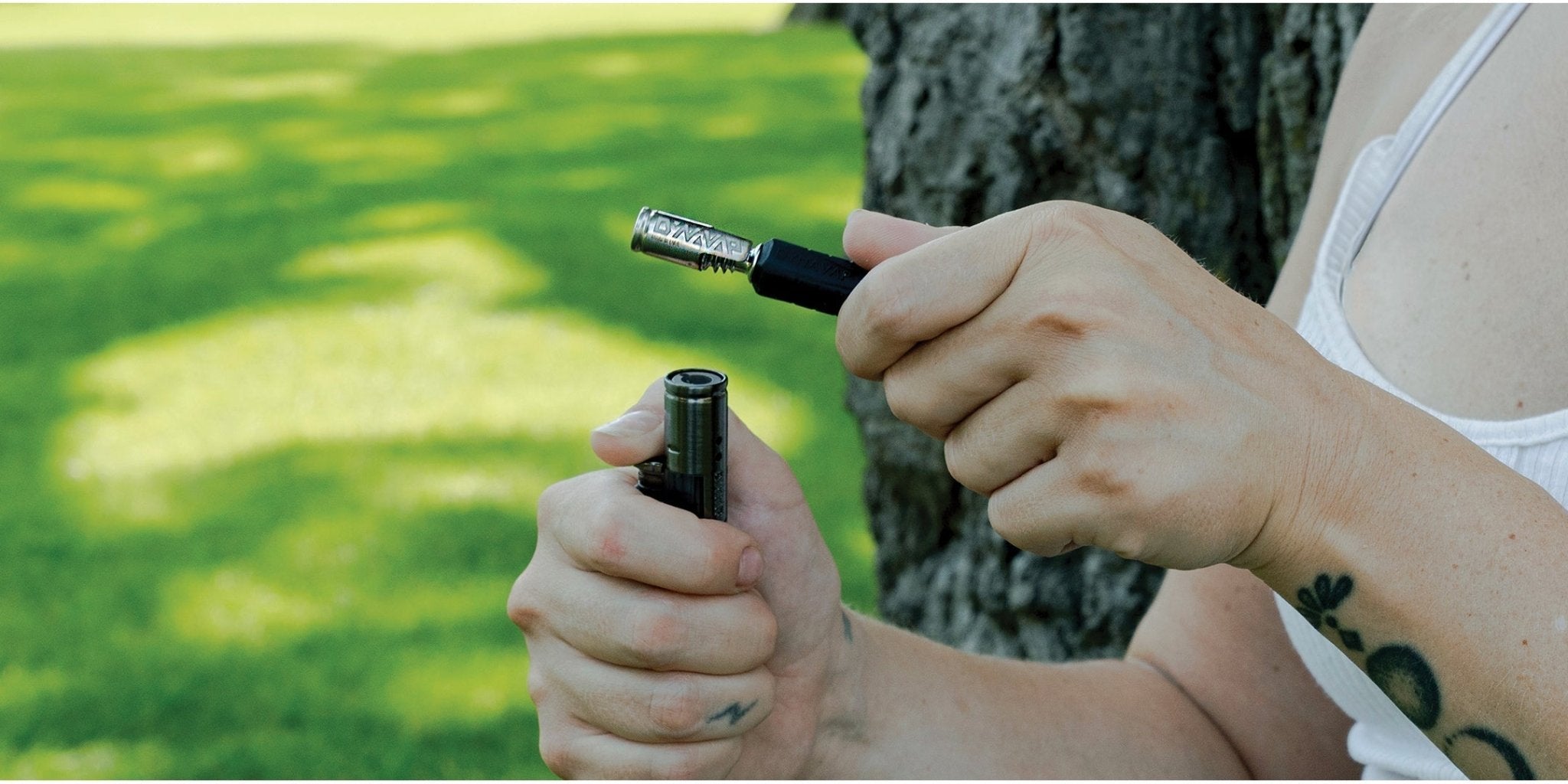
This is the most common move. You hear the Cooldown Click, you go back to heat, and your next heat-up usually comes quicker because the Tip and Cap are still warm. With Torch Heating, a lot of people settle into a simple cadence: heat to the click, inhale, cool to the click, repeat.
Not sure whether to reheat? Use your last pull as your scoreboard. If the vapor still has flavor and body, run another Heat Cycle. If it’s getting thin and tastes more like “baked” than “bright,” you’re probably nearing the end.
- Typical bowl range: many people get about 2 to 4 Heat Cycles per pack, depending on grind, moisture, pack tightness, and heating style.
- Non-negotiable habit: do not apply heat again until you hear the Cooldown Click.
- Keep it clean: rotate while heating, and stop heating right at the heat-up click so you do not overshoot.
If your torch routine feels inconsistent, bookmark How to heat DynaVap with a torch using click timing. It walks you through flame placement, rotation, and how to repeat the same results bowl after bowl.
Option 2: Reload for another session
Sometimes you’re looking for a bit more in your dry herb session.
After a Heat Cycle, you can touch the Tip to a cool metal surface or a magnet for a moment. Metal pulls heat away faster than air does, so you can reach the DynaVap cool down click sooner. It’s not complicated, and it does not require a fancy setup. You’re just helping the device shed heat a little faster.
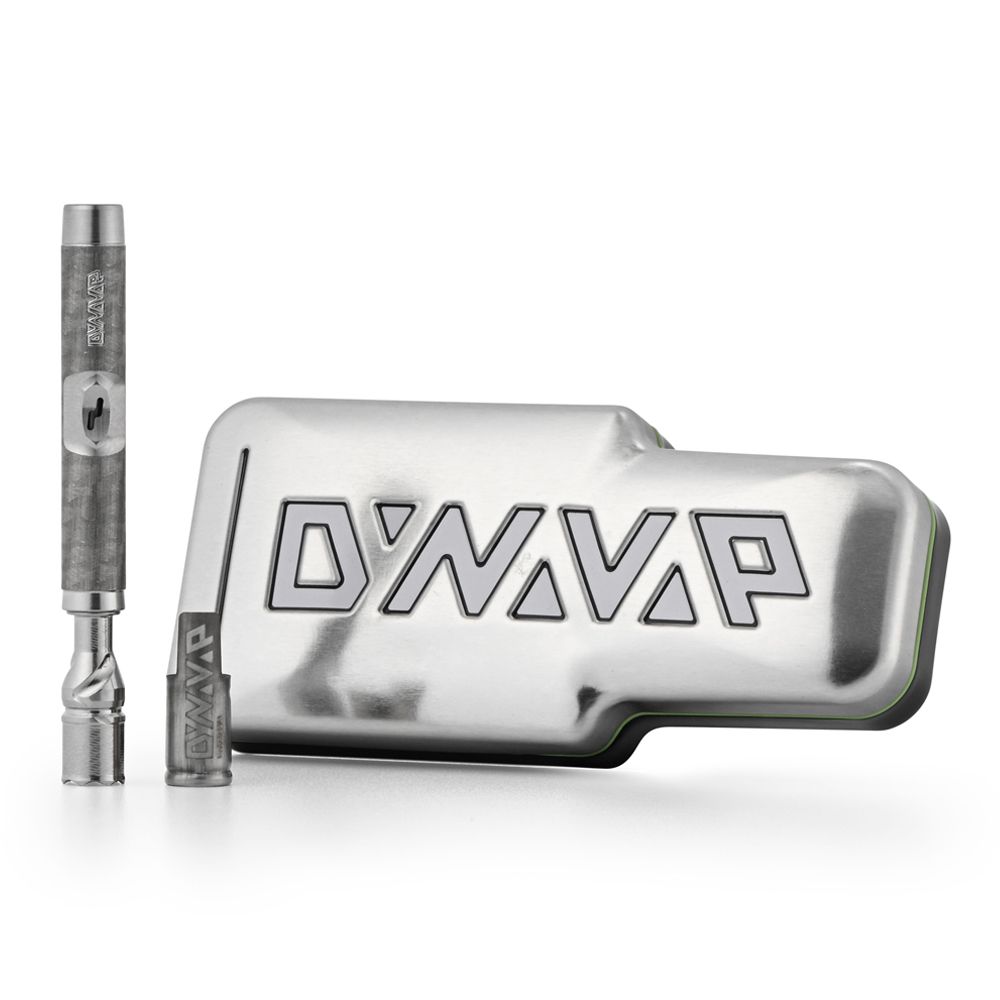
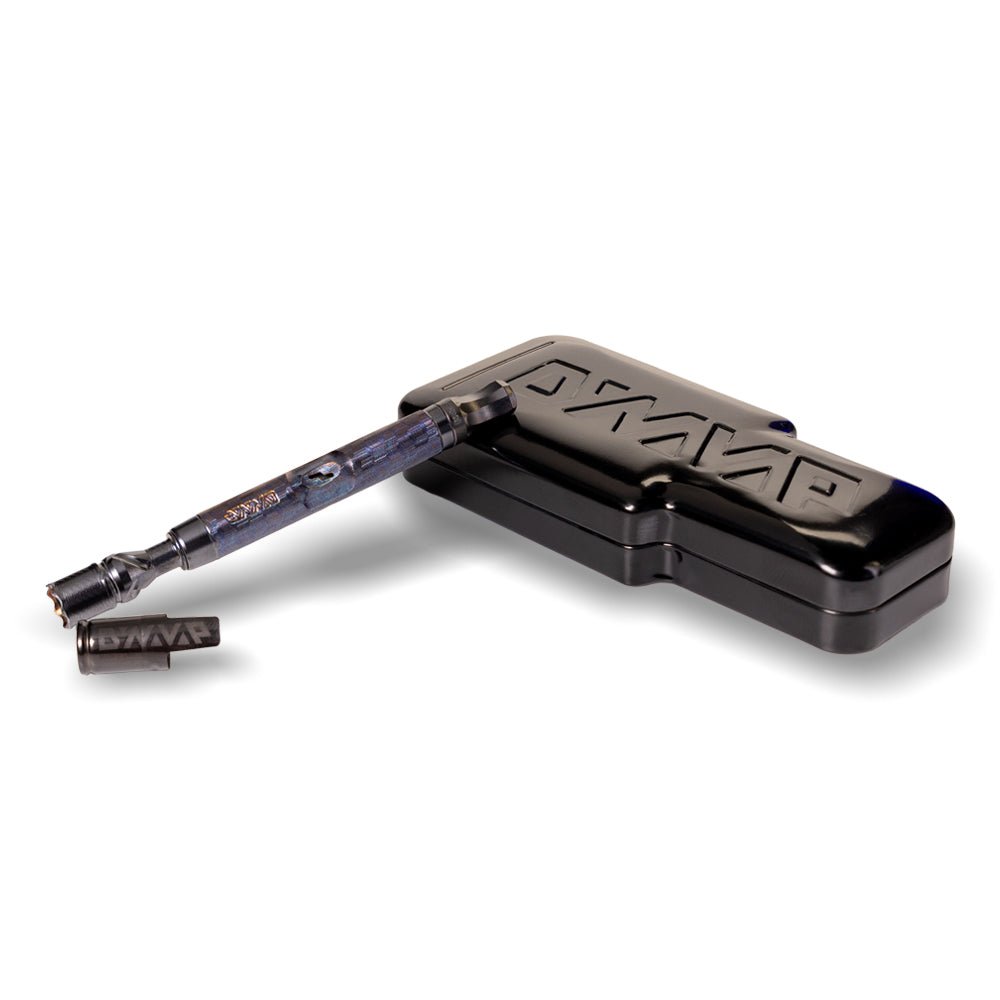
Want a tidy, purpose-built spot to park your VapCap between cycles? Take a look at DynaVap accessories for storage and magnets. A magnetic rest keeps things organized, and it makes that quick cool-down habit feel natural.
Do you need to wait longer than the DynaVap cool down click?
You can, and plenty of experienced users do. The Cooldown Click is the earliest safe moment to reheat. It is not an order to heat immediately.
If you let your device rest a bit longer, the next cycle can start from a cooler baseline, which some people prefer for flavor. If you are chasing darker extraction and denser hits, you might reheat closer to the click. If you want a lighter, terp-forward sequence, try giving it extra time and see what your tastebuds say.
Option 3: End the session and empty the chamber if the herb is spent
If you’re satisfied, the Cooldown Click is a nice checkpoint, but it does not mean the device is instantly comfortable to handle. Give it a little more time until it feels reasonable in your fingers. Then dump the bowl and use the built-in "digger outer" on the Cap to clear anything that wants to cling.
Clearing the chamber after a session keeps your setup running like it should. It helps reduce residue, keeps airflow open through the Circumferential Compression Diffuser (CCD) screen, and keeps flavors from getting muddy next time.
If you want the full beginner-friendly flow, from packing to heating to cooldown to reload, follow step-by-step How to Use DynaVap. It’s the simplest way to build good habits early.
The one rule you cannot skip: never reheat before the DynaVap cool down click
We call it Respect the Click for a reason. When you reheat before the Cooldown Click, you’re stacking heat on a Cap that has not reset, therefore you won't get a Click to tell you to stop heating. That is where most accidental combustion happens, and it is also where people wonder why their Cap starts behaving inconsistently.
You will see the same warning repeated outside our walls too. For example, DynaVap cooldown click overview reinforces the same basic takeaway: wait for cooldown, then heat again. Simple, practical, and it works.
Quick reference table: what to do after the DynaVap cool down click
| What you want | What you do after the Cooldown Click | Why it works |
|---|---|---|
| More vapor from the same bowl | Start the next Heat Cycle and stop heating at the heat-up click | You stay inside the click-timed temperature window |
| Faster pacing and a new session | Use a magnet or cool metal as a heatsink to pull heat away | You reach reset temperature sooner without guessing |
| Clean wrap-up | Let it cool a bit more, then empty and clear the CCD area if spent | Better airflow and cleaner flavor next session |
FAQ
How long should you wait after the DynaVap cool down click before reheating?
You can reheat as soon as you hear the Cooldown Click. If you prefer slightly cooler starts for flavor, wait another 10 to 60 seconds and see how it changes the next hit.
What if you do not hear the DynaVap click after use?
If it is loud around you, you might miss it. Hold the VapCap lightly and you can often feel the click even when you cannot hear it. If your Cap is not clicking reliably, pause and troubleshoot fitment and condition, since click timing is central to consistent extraction.
How many times can you reheat DynaVap on one bowl?
Many users land around 2 to 4 heat cycles per pack. Grind, moisture, chamber size, and heating placement all change that number. When flavor drops off and vapor gets wispy, the bowl is usually spent.
Does using a magnet or metal heatsink change the hit?
It can. Faster cooling can keep your pace up, but a longer rest can sometimes keep the next cycle tasting cleaner. Try both and stick with what fits your routine.
Conclusion
The DynaVap cool down click is your built-in reset. After it, you can reheat for another Heat Cycle, use a heatsink to tighten your pacing or start your next session, or end the session and empty the chamber once it is comfortable to handle. Keep one habit locked in: never apply heat again before the Cooldown Click.