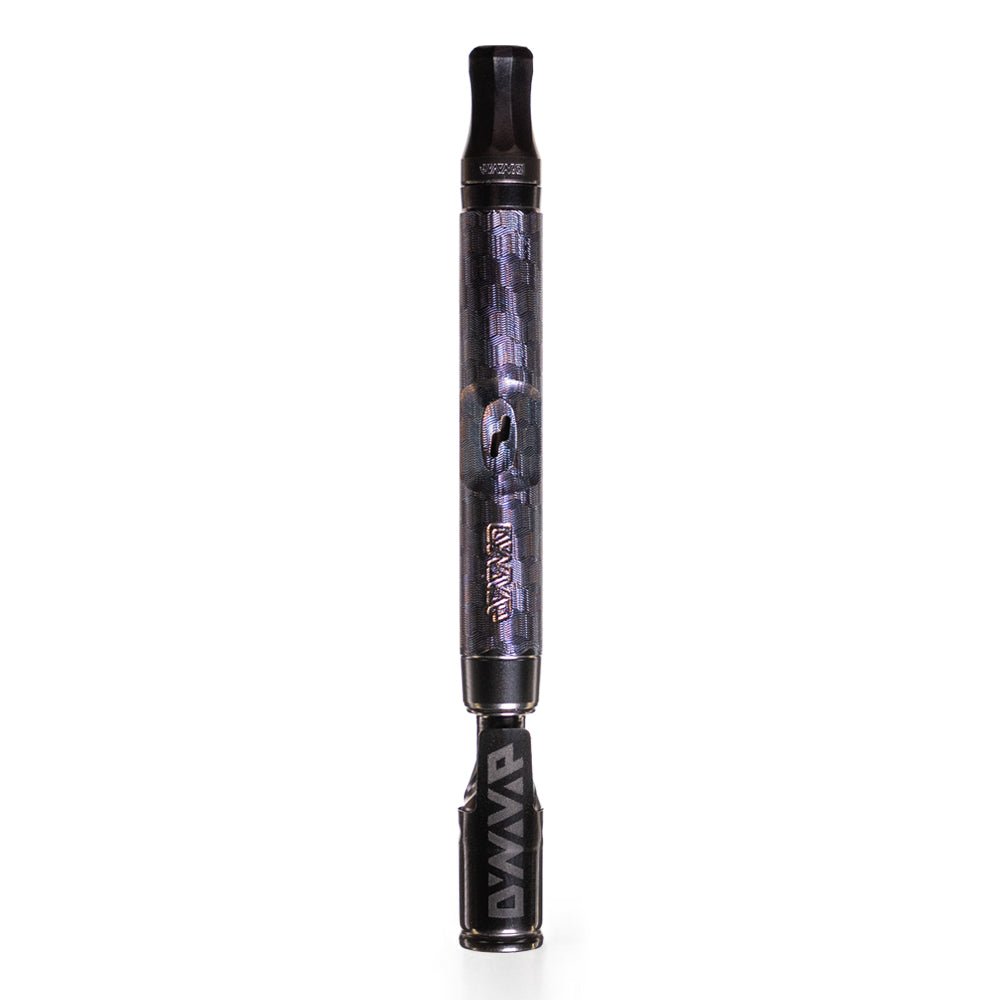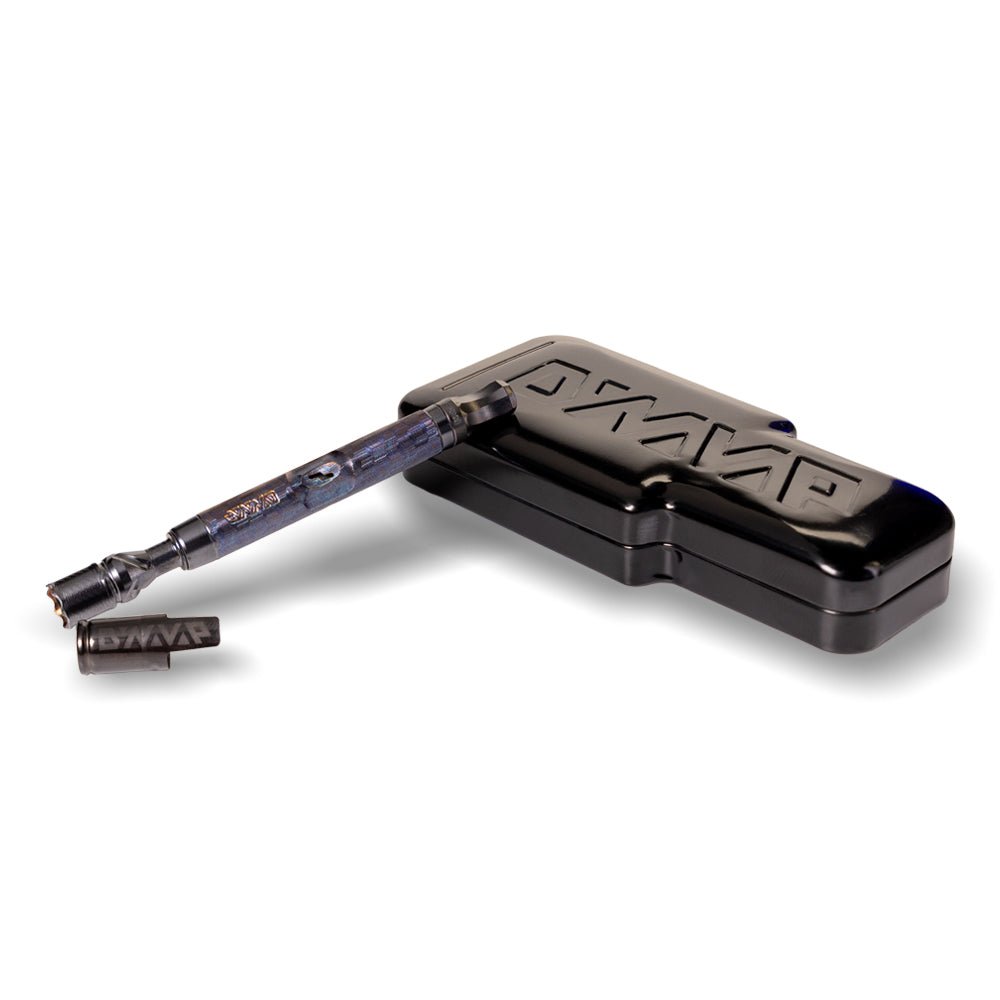


DynaVap cap not clicking can throw you off because that click is the whole rhythm of a Heat Cycle. You are not pressing a button or triggering a sensor. You are listening to a simple bit of metal doing its job. Most “no click” moments come down to three things: how you are heating, a little leftover moisture after cleaning, or buildup that makes the discs act sticky. Let’s get you back to a crisp, reliable click without guesswork.
What the click actually does (and why it can seem gone)
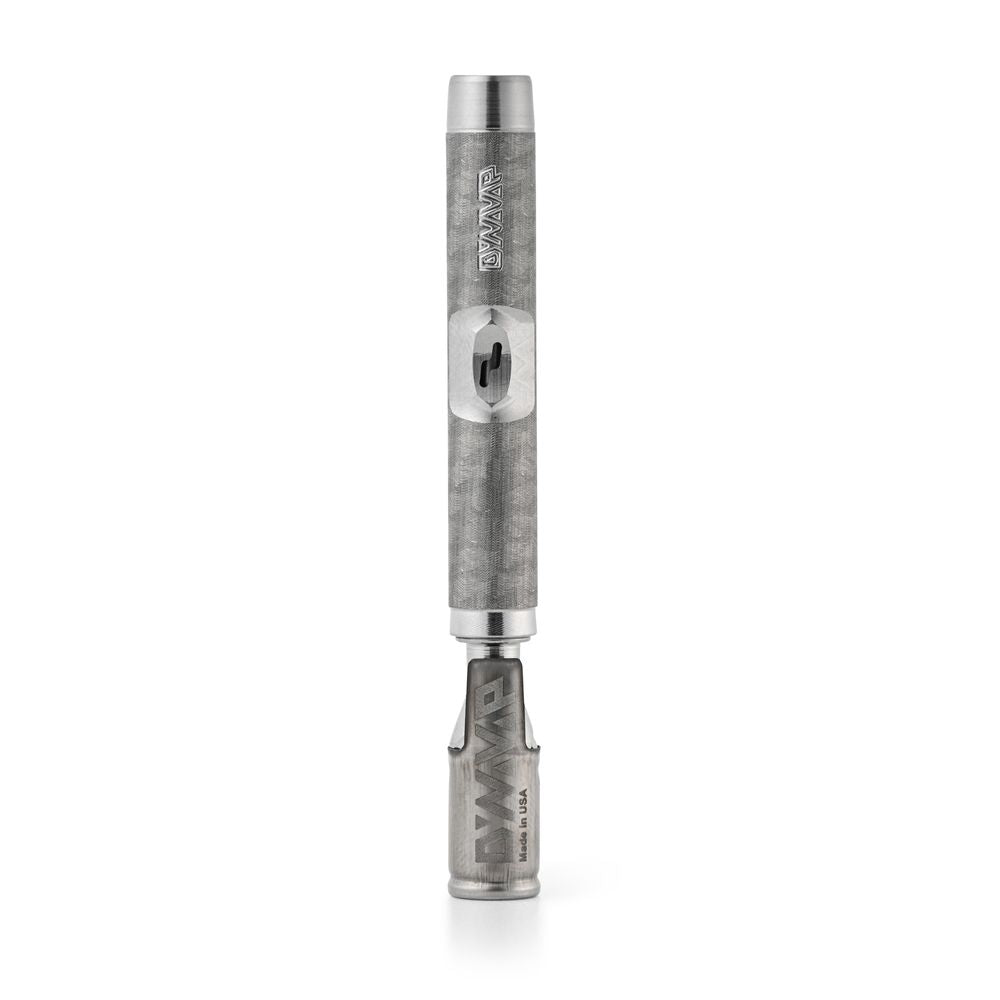
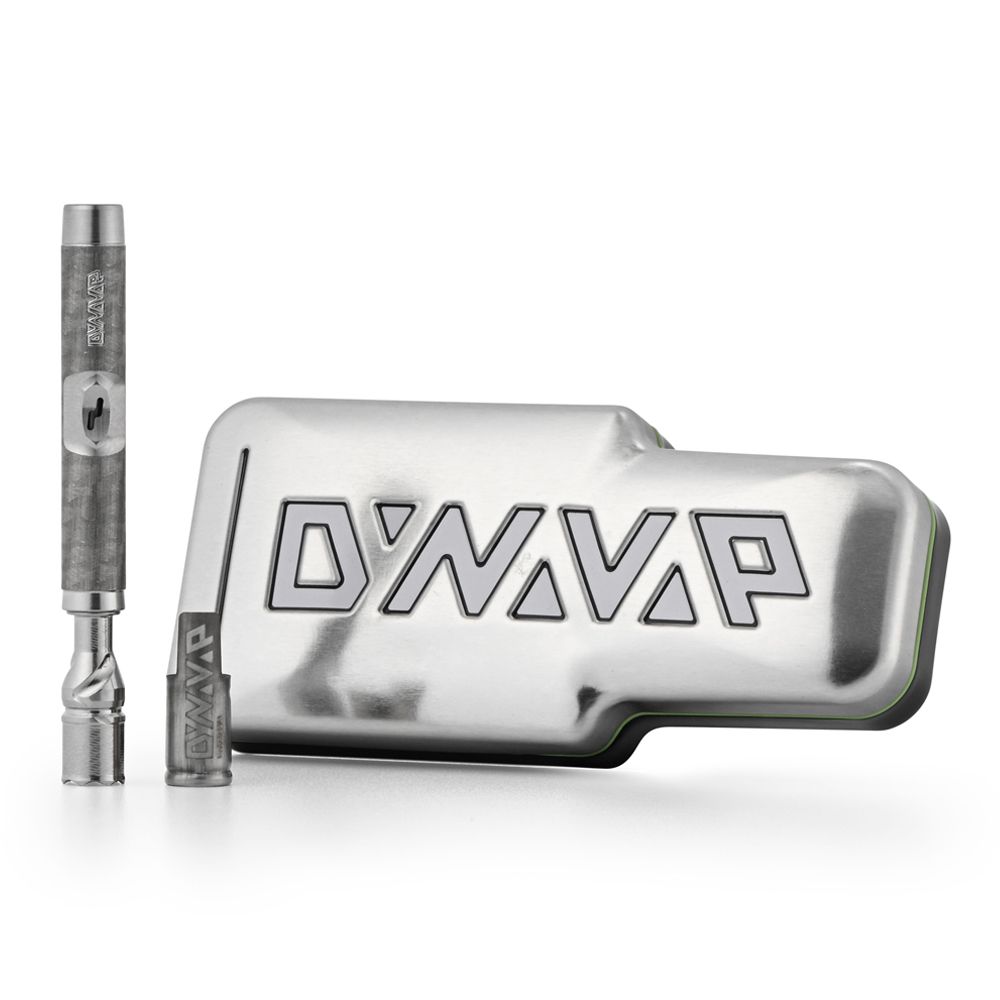
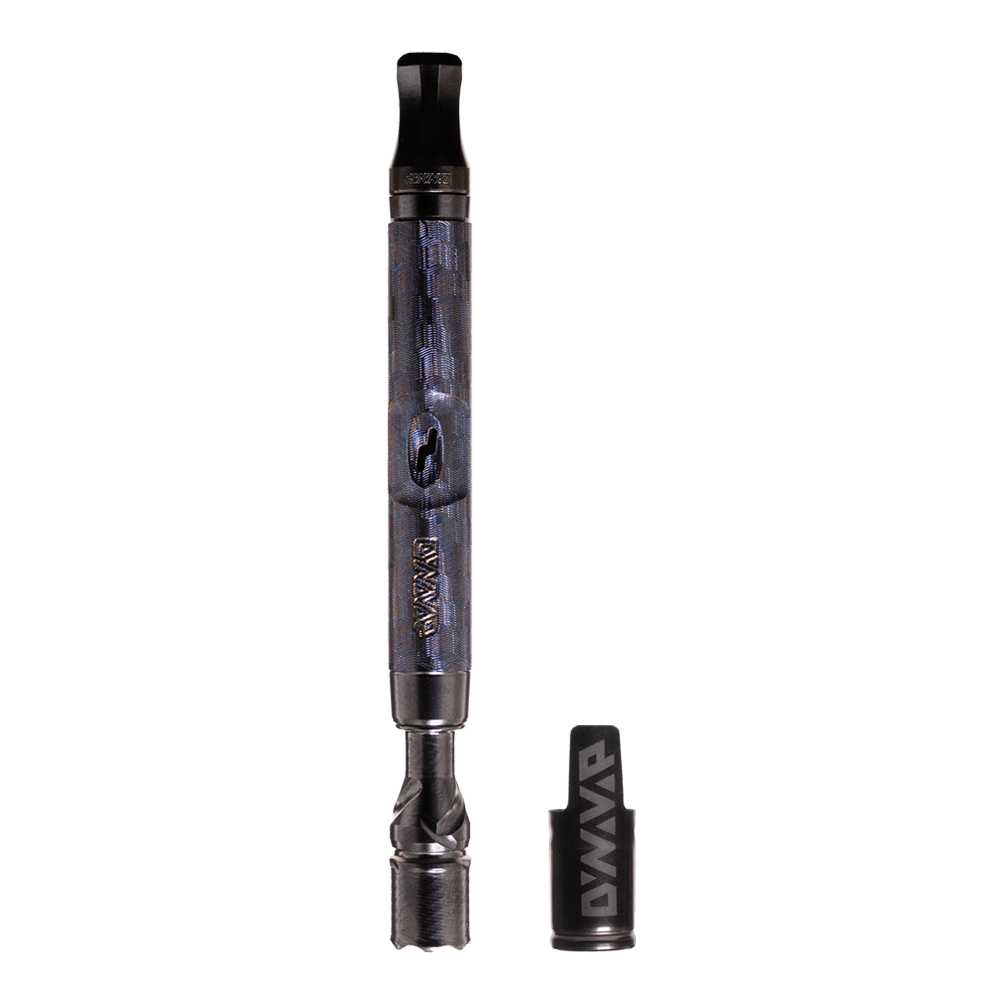
Inside the crimped end of the Cap, there are bimetallic discs that snap at specific temperatures. Heat the Cap and you get the click that tells you vaporization temp is in range. Let it cool and you get the Cooldown Click that tells you it is time for another Heat Cycle. When everything is clean and dry, that feedback is surprisingly consistent.
If you want the official breakdown of the disc system and click ranges, we keep it documented in DynaVap’s official guide to how Caps work. Knowing how it works helps because a “missing click” is often not a failure, it is the sound getting masked or the discs not snapping freely.
One more thing that trips people up: Caps do not all behave the same. If you swapped to a Low Temp Cap, your timing shifts because it is tuned to click sooner. Same ritual, slightly different tempo.
DynaVap cap not clicking? Start with heat placement and speed
When you tell us “my Cap isn't clicking,” the first thing we think is usually loud environments. You may simply be missing it entirely if you are outside, a fan is running, or music is up.
Reset your technique with this quick mini-drill:
- Back the flame off. Give yourself a little extra distance so the Cap ramps up instead of getting blasted.
- Heat the middle to back half of the Cap. Avoid pinning the flame right on the very tip where the discs live.
- Rotate like you mean it. Smooth, steady rotation beats nervous fidget spins. You are aiming for even heat, not a hot stripe.
- Listen closely in a quiet environment while you learn. The click is your stop sign. Let the Cap do the thinking.
If you want the full torch walkthrough (where to heat for flavor vs deeper extraction, plus timing tips), use our guide on how to heat DynaVap with a torch using click timing.
DynaVap cap not clicking after cleaning: moisture is the usual culprit
If the Cap stopped clicking right after a cleaning day, assume moisture until proven otherwise. The outside can feel dry while a tiny bit of dampness hangs out near the discs. When you heat a wet Cap, you can dull the click and you also risk damaging the Cap over time, so do not try to “burn it dry.”
This pattern shows up a lot in real-world troubleshooting, including reports of Caps not clicking after cleaning, where the fix was simply giving it enough time to fully dry.
Do this instead:
- Pause sessions if you suspect moisture. No test-heats.
- Air-dry longer than feels necessary. Many users wait a full 24 hours after any wet cleaning.
- Keep wet cleaning short and intentional. A quick rinse or wipe is different from a long soak. Always avoid fully submerging your Cap in liquid.
Good rule of thumb: if you can smell alcohol or feel any cool dampness at all, it is not ready for heat.
DynaVap click issue from buildup: when the discs feel “sticky”
Over time, a little resin can migrate into places it does not belong. When that happens, the discs can hesitate instead of snapping cleanly. You might still get a click, but it is quiet. Or it comes late. Or it comes and goes depending on how you heat.
Here is a simple refresh that often gets things moving again:
- Let the Cap cool completely and remove it from the Tip.
- Blow firmly through the open end to push out loose debris.
- Gently encourage disc movement with a soft, non-marring tool like a wooden chopstick or a cotton swab stem. You are not trying to reshape anything. You are just helping the discs break free.
- Test on an empty Tip so you can focus on the click, not on the draw or load.
If the click comes back but feels inconsistent, combine this with the slower heating approach above for the next few Heat Cycles. Clean movement plus controlled heat is the sweet spot.
DynaVap cap not clicking at all: inspect for overheating and disc damage
If you truly get no click in either direction, it is time for a close look. Repeatedly heating well past the click can stress the bimetal discs. In rare cases, they can crack or lose their calibration. That is not a “keep trying” situation.
This kind of troubleshooting gets discussed in the community too, including community troubleshooting for non-clicking Caps. The most useful advice is also the simplest: inspect first, then decide.
Quick inspection steps:
- Use a flashlight and look into the crimped end.
- Watch for cracks, warping, or anything misaligned that looks out of place.
- Compare cold and warm behavior. If it never clicks on heat or cooldown, damage is more likely.
If the Cap seems unpredictable, replace it with a new one rather than forcing it. Our devices are modular on purpose, so you can swap the part that is acting up and keep everything else in rotation. Please review our Warranty section and use our Customer Service team as a guide.
When it feels like a click problem, but it is really a fit problem
Sometimes the Cap is clicking fine, but the fit makes it feel weird. If your Cap is very loose on the Tip, it can shift a little when the discs snap. That can make the click feel jumpy or muted, and it can change how heat transfers session to session.
You will see users talk about this “jump on click” behavior in threads about loose Caps that jump on click. The key is to separate sound from fit before you assume the discs are the issue.
Two fast checks:
- Test the Cap on an empty Tip. If the click is still missing, the issue is likely inside the Cap, not your pack.
- Listen in a quiet room. A faint click can disappear in a noisy space, especially when heat is fast.
Fast troubleshooting table for a DynaVap cap not clicking
| What you notice | Most likely cause |
|---|---|
| No click right after cleaning | Moisture trapped near the discs |
| Click is muffled or inconsistent | Resin buildup causing disc stiction |
| No click at all on heat or cooldown | Possible disc damage from overheating |
| Cap “jumps” or feels odd on the Tip | Loose fitment |
When you want the simplest rule: Respect the Click
If you are still building confidence with the rhythm of heating and cooling, keep it simple: heat to the click, stop. Draw. Wait for the Cooldown Click. Repeat. That one habit solves a surprising number of cap-behavior mysteries because it keeps you out of the overheating zone.
Our foundational refresher, Respect the Click and the core rule new owners need, is worth keeping in your back pocket.
FAQ: Why isn’t my DynaVap Cap clicking?
Why did my DynaVap cap not clicking start happening suddenly?
Usually it is a change you did not notice in the moment: a new torch, a closer flame, heating closer to the crimped end, or cleaning moisture that did not fully dry. Start with slower heat and confirm the Cap is completely dry.
Can I keep heating to “force” a click?
Do not do that. If you are not getting a click, stop and troubleshoot first. Overheating past where the click should happen can damage the discs and can also push you into combustion territory.
Is it okay to soak my Cap in alcohol or water?
We do not recommend soaking Caps. Moisture can work its way into the disc area and cause inconsistent clicking. If you do wet cleaning, keep it short and prioritize a full air-dry before the next session.
When should I replace the Cap?
Replace it if you see cracks or deformation, if it stays erratic after you have addressed technique and dryness, or if it feels unpredictable. You can grab a replacement in DynaVap parts and replacement Caps.
Conclusion
When your DynaVap cap not clicking, it is usually a signal to slow down and reset the basics: gradual, even heat in the right spot, a Cap that is truly dry after cleaning, and discs that are not gummed up. Run the table above, test on an empty Tip, and you will solve most click issues quickly. If the Cap looks damaged or stays unpredictable, grab a new one and keep enjoying the modular life.